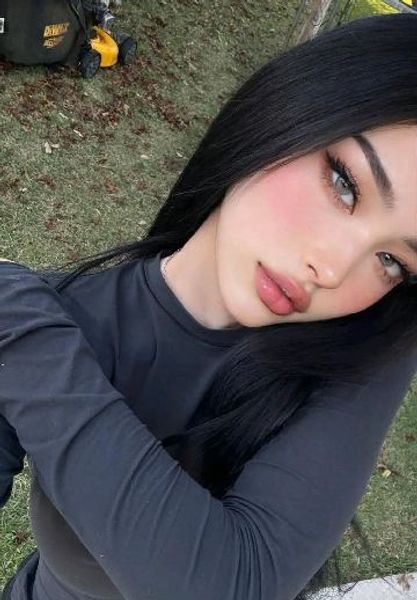
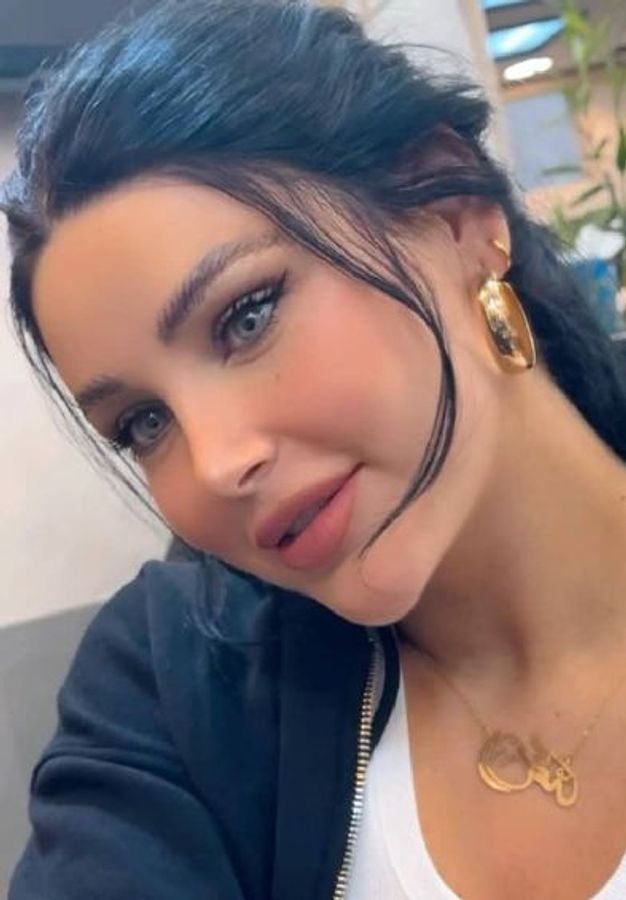
Private video chat is the central feature of FlirtVibe — a one-on-one live video call between you and a specific creator you've chosen to connect with. Unlike random matching, where the pairing is algorithmic, private chat on FlirtVibe starts with a deliberate choice: you browse, you see someone interesting, and you initiate a direct connection.
This guide explains how that process works from both sides, what controls each participant has, and how to make every private session feel clear and comfortable for everyone involved.
How private video chat differs from random matching
In random video chat, the platform decides who you connect with. You click once and get a stranger — fast, unpredictable, no preview. Private video chat inverts this: you spend time browsing, watching preview content, reading profiles, and choosing who you want to spend time with before any call begins.
This changes the dynamic of the session significantly. You arrive knowing something about the person. They know you chose them specifically. That shared context makes the opening of a conversation much more natural.
What happens when you initiate a private session
When you tap "go private" or request a 1-on-1 video chat with a creator on FlirtVibe:
- The creator receives a notification and chooses to accept or decline
- If accepted, a direct video session opens — only you and the creator
- Both sides can see and hear each other in real time
- Either participant can end the session at any point with the end call button
The session is live and unrecorded on FlirtVibe's side. What the creator or you do on your own device (screen recording, for example) is outside the platform's control — which is why behaving as if every session is potentially recordable is always the right approach.
The private session flow — step by step
Watch live previews of active creators. Arriving with context makes every session better.
Tap "go private." The creator gets a notification and chooses to accept or decline.
Reference something from the preview — it shows you were actually paying attention.
Ask. React. Follow the energy. Either side can end the call at any point.
Consent in a private video session
Consent in a live video call isn't a form you sign — it's an ongoing process throughout the session. A few principles that make private video chat work better for everyone:
- Ask before assuming. Creators set their own limits for what they're comfortable discussing or showing. If you're unsure whether a request is within bounds, ask first rather than assume the answer is yes.
- Accept "no" without negotiation. A creator declining a request isn't a starting point for a counter-offer. It's a boundary. Move on or move to a different topic.
- Recognise that discomfort ends the session. Either party ending a call early isn't rude — it's appropriate. If you make the creator uncomfortable, expect the session to end.
- Your comfort also matters. If a creator does or says something that makes you uncomfortable, end the call and report the behavior. This platform is for adults seeking genuine connection, not anyone who disregards boundaries.
A trustworthy private video chat service follows consumer privacy best practices, applies the data minimisation principle so it only collects what it needs, and is upfront about camera and microphone permissions — so you stay in control of your own data and what you share on a call.
Getting the most out of a private session
The best private video chats start with a little preparation:
- Watch the creator's public content first. Their videos and profile give you genuine topics to talk about and show the creator you're a thoughtful viewer, not just someone who clicked randomly.
- Have a clear intent. Are you there to chat, to watch a performance, to discuss shared interests? Knowing what you want helps you say it clearly, and clarity is what creators appreciate most.
- Introduce yourself briefly. You don't need to give your real name, but a short personal introduction ("I'm based in London, I found you through the discovery feed") sets a good tone.
- Engage like a person, not an audience. Private sessions are conversations, not performances. Ask questions. Respond to what they say. That's what separates a memorable session from a forgettable one.
Creators live on FlirtVibe right now
Ready to go private?
Browse live creators on FlirtVibe and start a private 1-on-1 call when you find the right match. Adult-only, safe, and respectful.
Browse Live CreatorsFrequently asked questions
How does private video chat work on FlirtVibe?
On FlirtVibe, private video chat starts when you choose a specific creator from the live grid and initiate a one-on-one session. Unlike random matching, you pick who you want to connect with first. The creator can accept or decline. Once connected, the session is private — only the two of you in the call.
Is private video chat on FlirtVibe recorded?
FlirtVibe does not record private video sessions. The session is live and direct between you and the creator. For details on any metadata retained for safety purposes, refer to the platform's current privacy policy.
Can I end a private video chat at any time?
Yes. Either participant can end the session at any time using the end call button. There is no penalty or social consequence for ending early. Comfortable sessions are better for everyone, and the controls are designed to make leaving easy.
What is the right way to start a private video chat?
Start by watching a creator's public preview or profile video before requesting a private session — it gives both of you a baseline context. When you enter the private call, introduce yourself briefly and ask what the creator is comfortable with before the conversation unfolds.
What should I do if I feel uncomfortable in a private video chat?
End the call immediately. You are never obligated to continue a session. If the behavior was inappropriate, use the report button to flag it — this protects other users as well. FlirtVibe reviews all reports.